
2D-Floorplanner
With immersight’s 2D floor plan, it’s very easy to create 2D floor plans of rooms and apartments. Whether you want to start from scratch or redesign a room or even an entire apartment from your existing inventory, the floorplaner makes it possible. Quick, easy, and affordable.
Totally practical: the 2D floor plan designer is BIM-compatible, and all plans can be integrated into a CAD program in 3D. Sounds crazy, right? Learn everything about the 2D floor plan designer in our video.
Start with new planning
Start a completely new plan by simply opening the 2D planner and creating a new design.
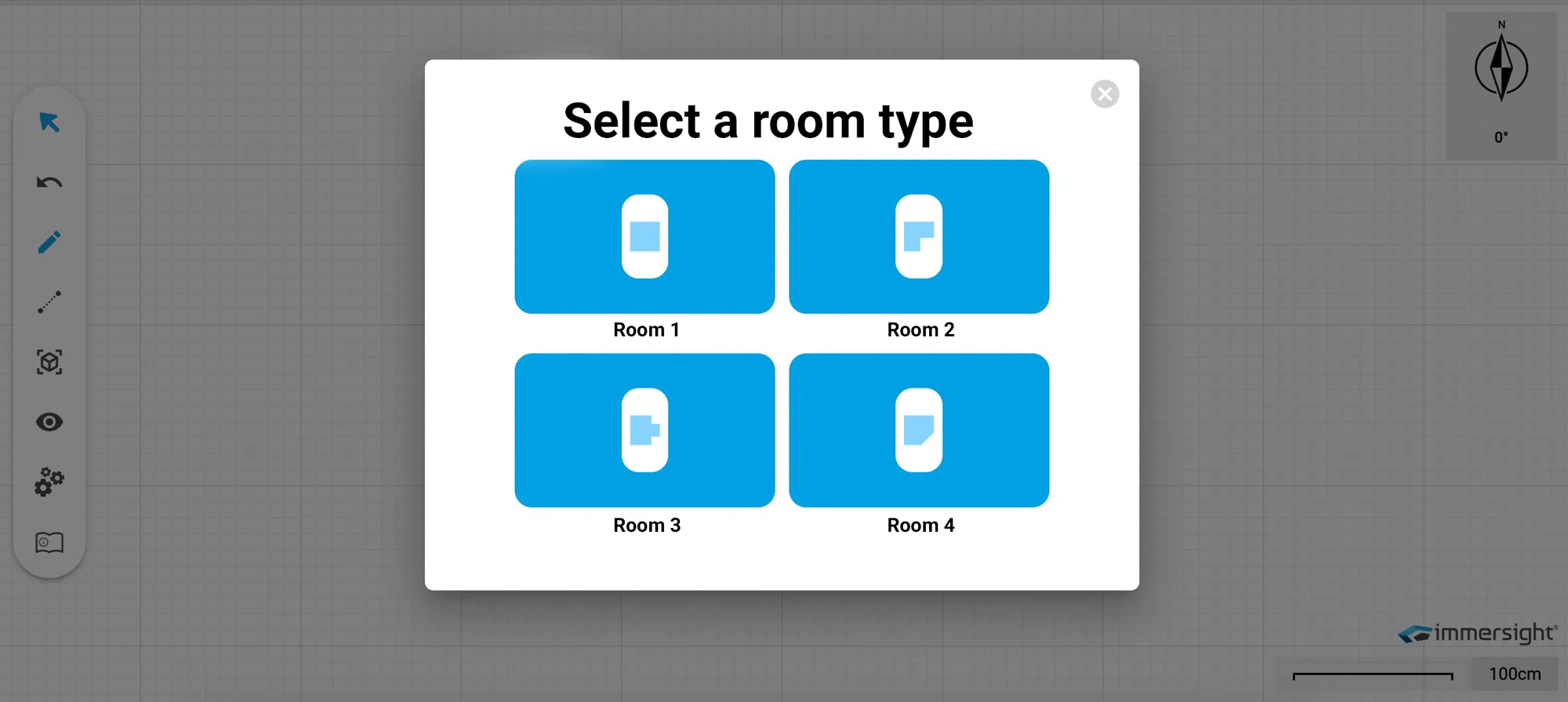
You can either create the room manually or select a pre-designed room shape, which you can then customize according to your preferences and dimensions. It’s super easy and takes just a few seconds.
Visit
our webinar.
In our webinar, we will demonstrate and explain how to capture and measure an entire room using a 360° recording. You will also learn how to optimally document the construction progress and digitally brief your employees on the construction site. Finally, we will showcase how a virtual walkthrough can open up new possibilities for more efficient planning and execution, especially in the skilled trades.
Reschedule inventory
Capture a room in 10 seconds with the 360° camera.
Conveniently measured in the office.
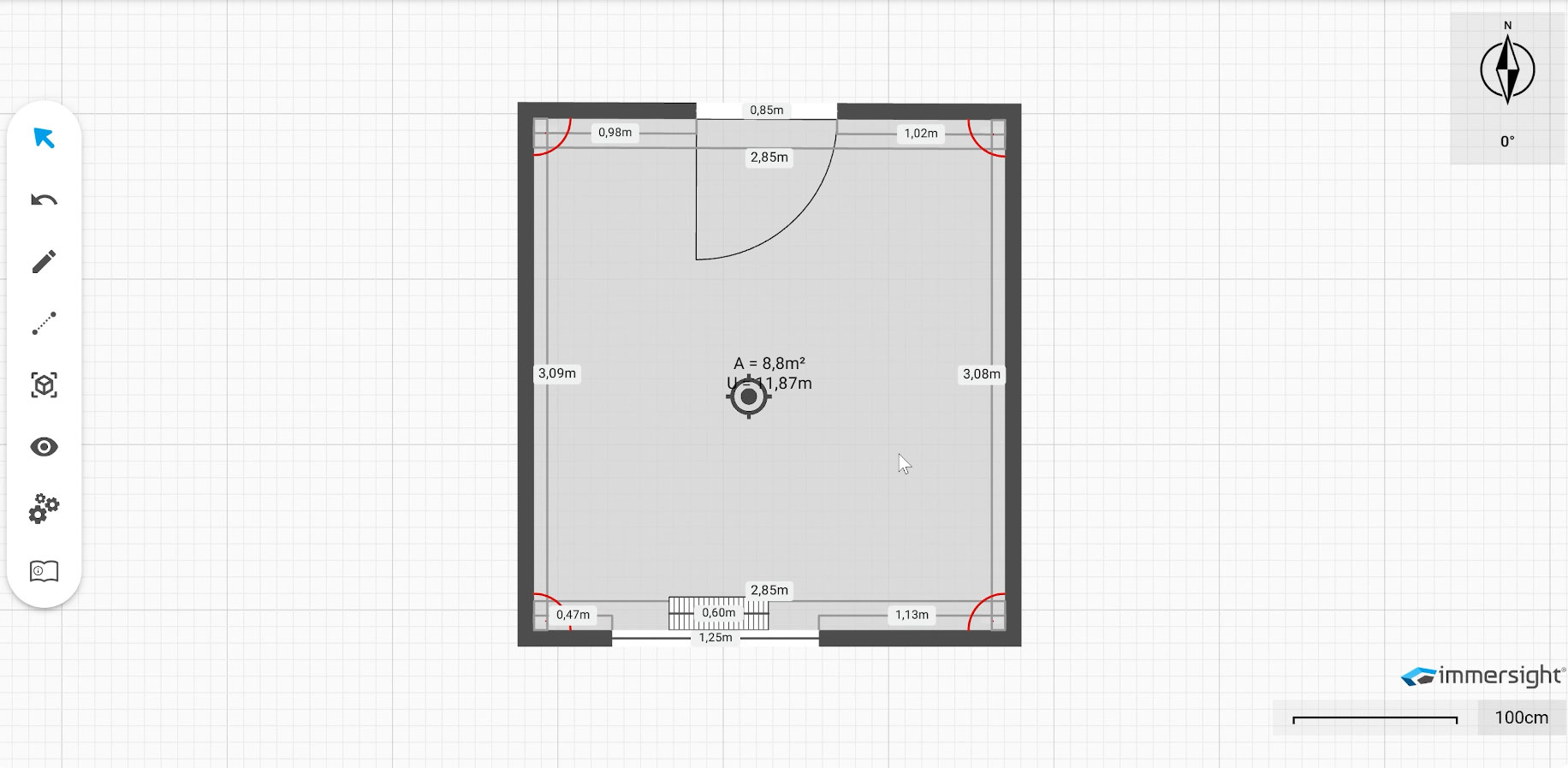
Import into the 2D floorplanner with one click, including dimensions.
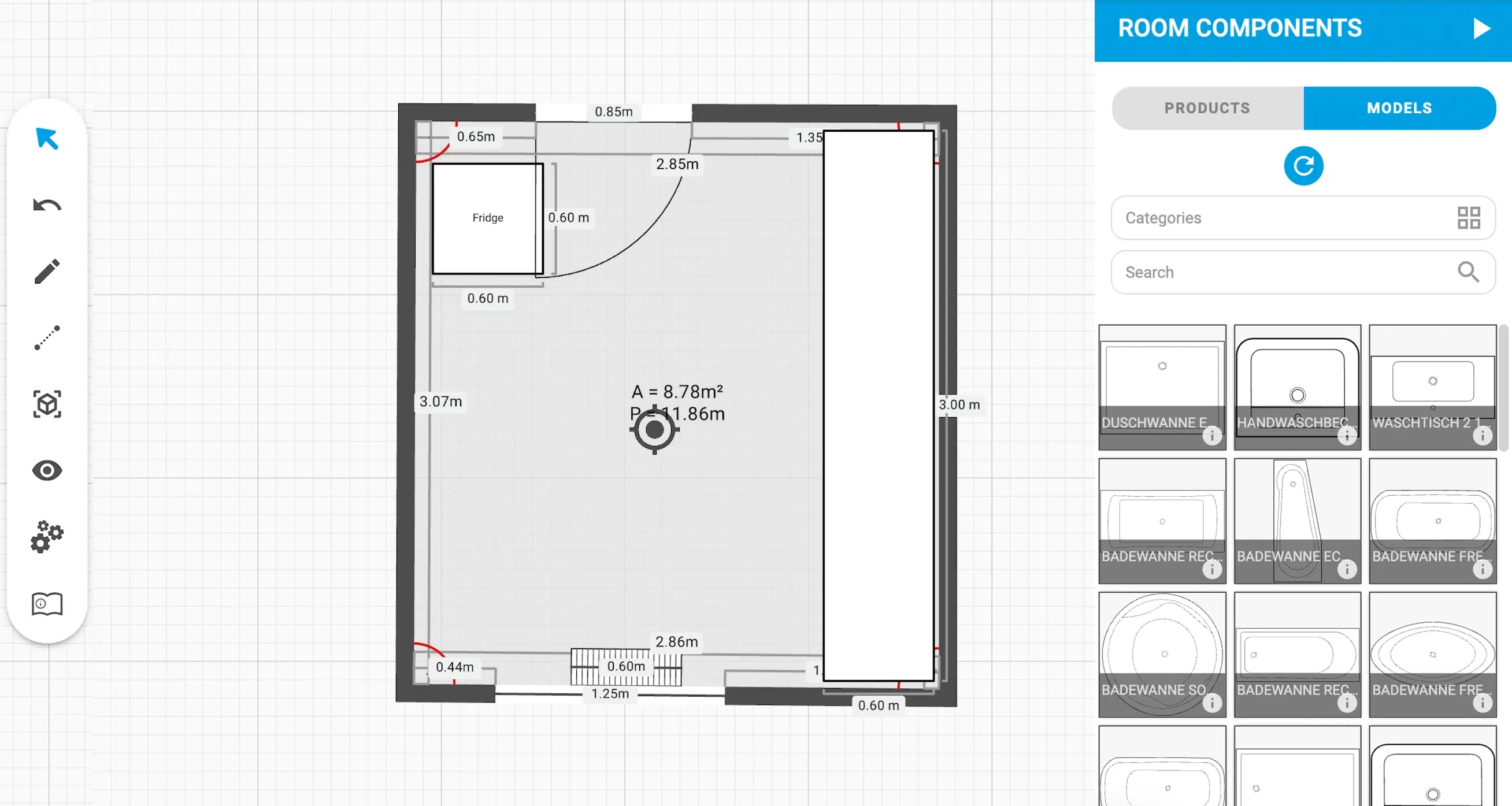
Start redesigning and select objects, walls, windows and much more from the comprehensive, manufacturer-independent catalog.
Documenting rooms and apartments
Create a 360° image of every room
Measure the rooms and load all rooms into the 2D floorplanner
Combine rooms and build an apartment
Measure directly in the plan
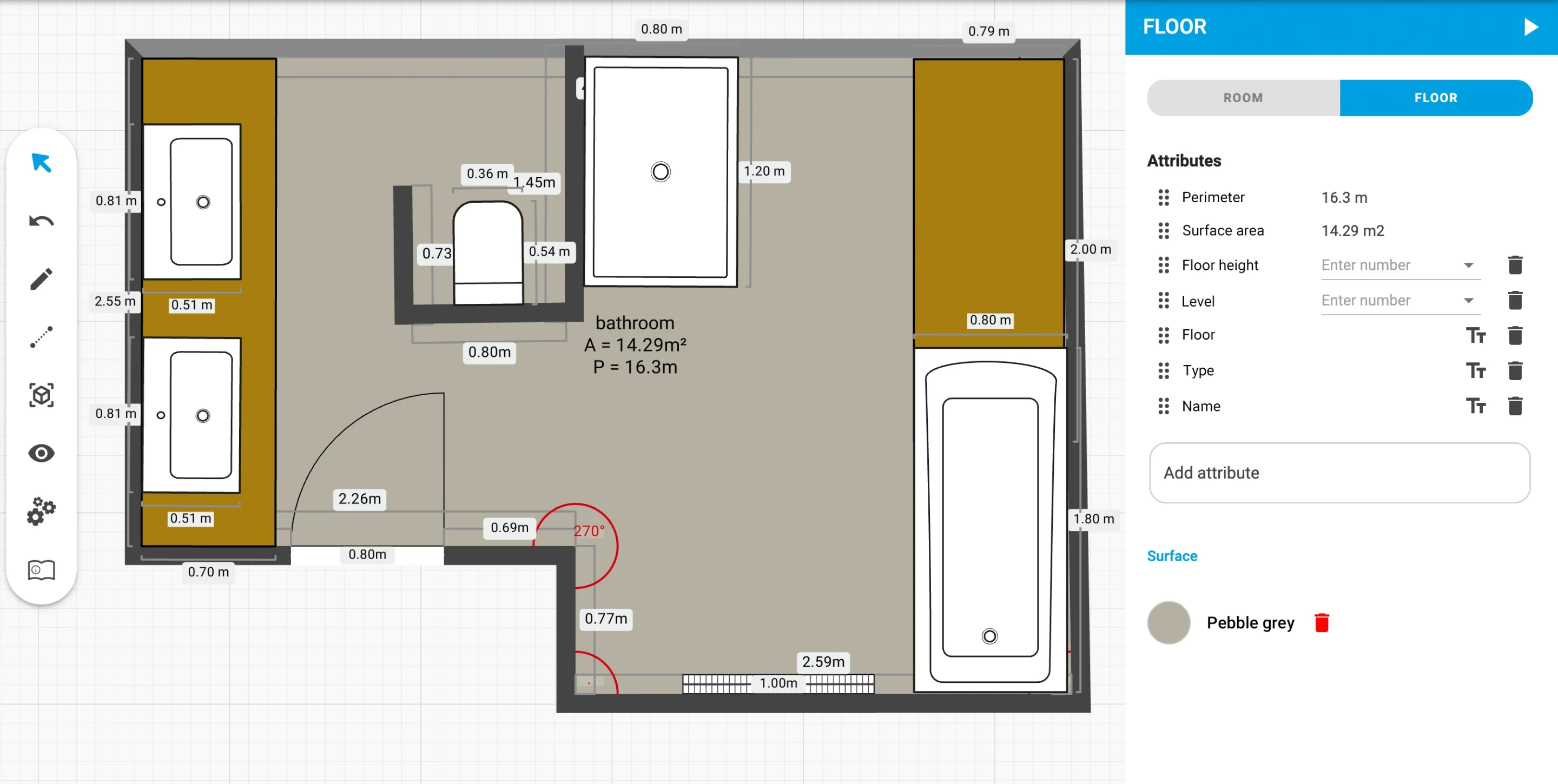
Do you need floor dimensions and want to quickly measure distances? It’s easy with the 2D floor plan planner – just measure from point A to point B with two clicks.
Add attachments
Pin attributes
Would you like to pin work instructions, specific values, areas, or types to the floor plan? Simply select the desired attribute via Attachments, label it, and place it on the plan. This gives you a perfect overview of the details and allows every employee to understand the planning and the project.
Pin PDF attachments
Quickly and easily upload important PDFs to the floorplaner and attach them to the desired location. This allows you to maintain an overview and have all documents and information in one place.
Exporting the floor plan
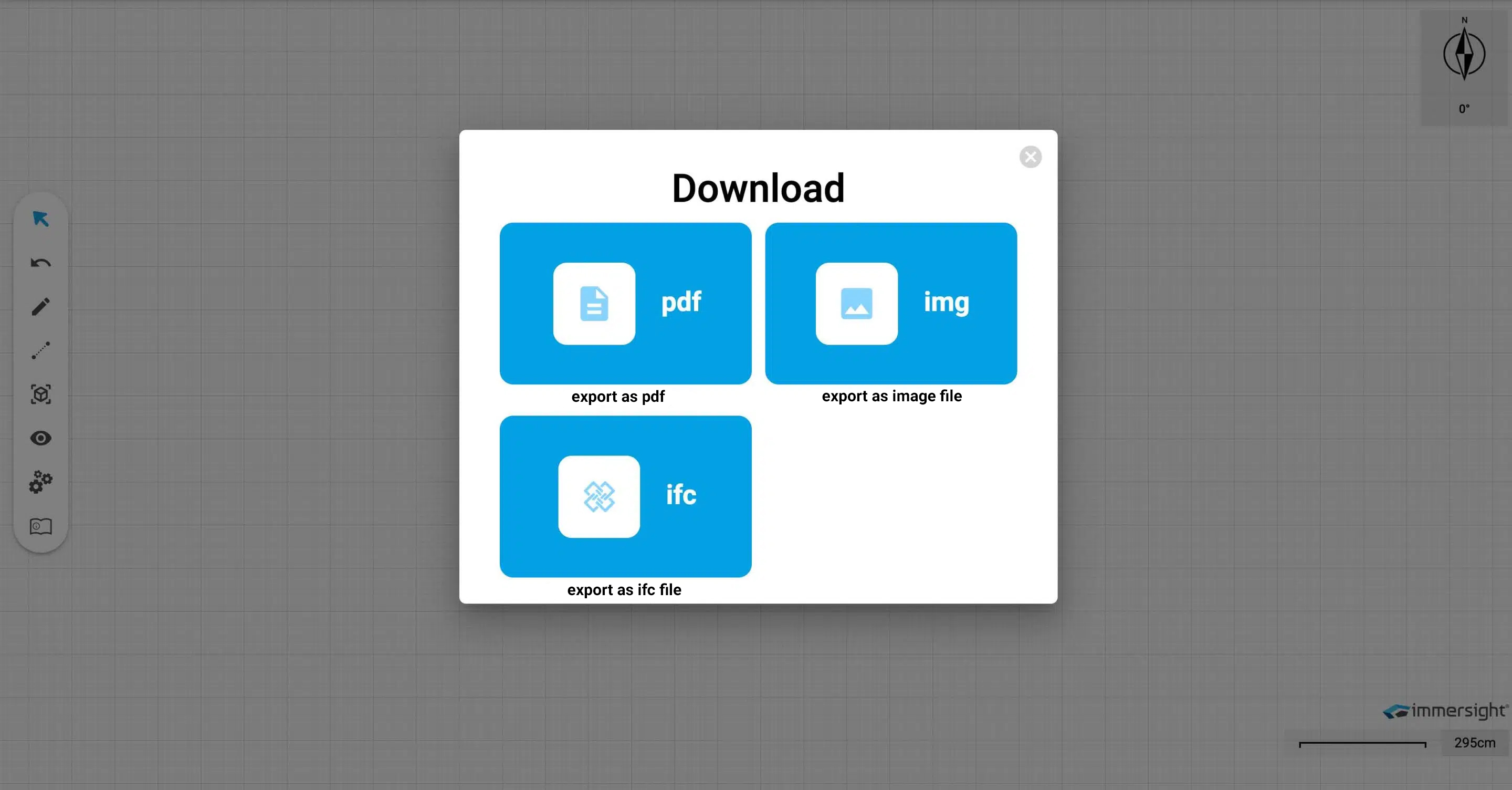
The completed 2D floor plan can be easily exported as PDF, .img, or IFC files.
BIM-Export
The 2D floor plan planner is BIM-compatible, and all plans can be integrated into a CAD program in 3D. Simply download as an ifc file and load into any BIM-compatible CAD program. This makes work fun and saves you time when modeling.
Next webinar
Don’t miss out!
Day(s)
:
Hour(s)
:
Minute(s)
:
Second(s)